Party Mix in a minute
Party Mix is for nights when nobody can agree on one game. Instead of picking, the host chooses a preset and the room builds a playlist of party games that suit your group. Everyone plays the first game, then the whole group moves on to the next one together. It has no rules of its own. Each game in the mix plays exactly as it does on its own page.
How to play Party Mix
A session needs 2 to 8 players, each with a phone, tablet or computer. One of them is the host, who picks the preset and moves the group along. Everyone else just follows.
- Pick a preset. In the lobby the host chooses how long the session should be and what kind of games it should include. When everyone has tapped I'm Ready, the host starts.
- The room builds the playlist. It shuffles the games that work for your number of players and takes as many as the preset asks for. Games that need more players than you have are left out.
- Launch the first game. The host taps Launch, which opens one shared room for that game. Everyone's screen follows automatically, and a Join button is there if a phone gets left behind.
- Play it as normal. The game runs with its usual controls. When the group is ready to move on, the host taps Party Mix · Next and everyone goes back to the playlist.
- Next game, or skip. From the playlist the host launches the next game or taps Skip this one. After the last game, a recap lists everything you played and skipped, and New Mix starts another session.
See Party Mix on your phone
-
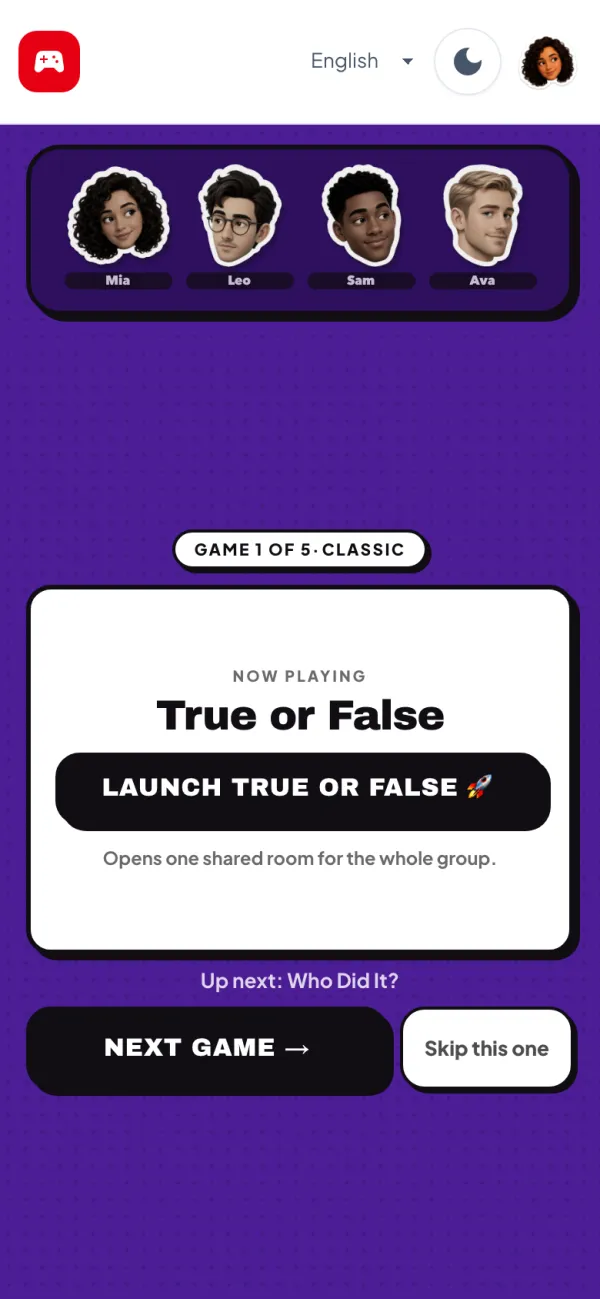
Your game playlist -
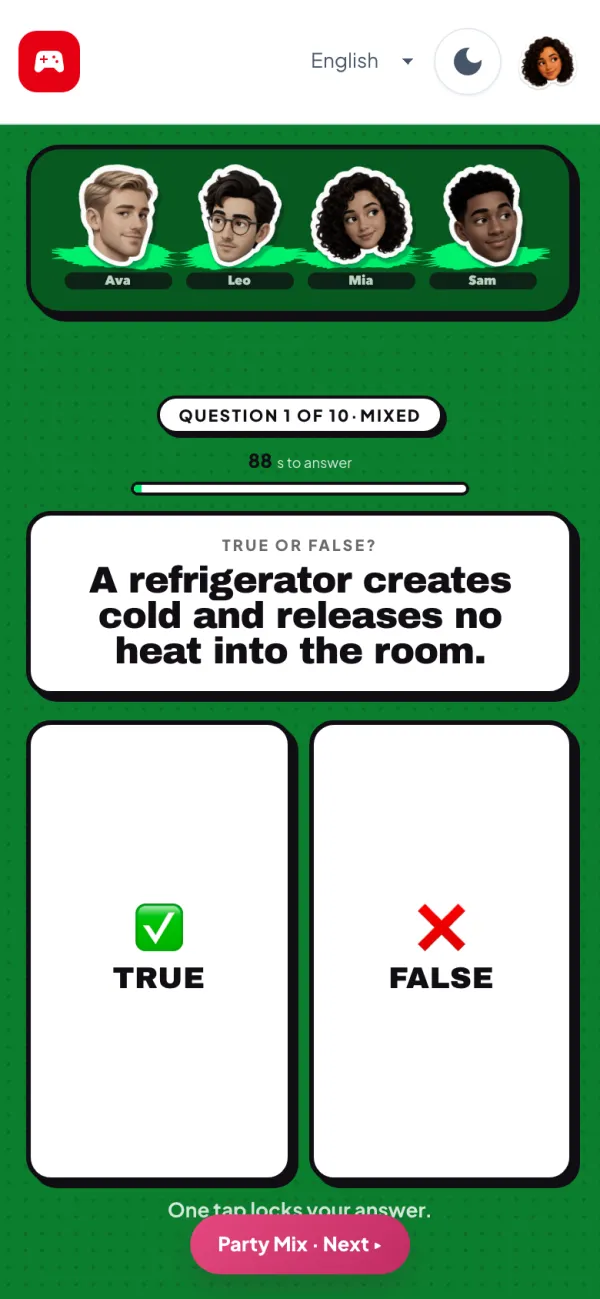
Everyone jumps in -
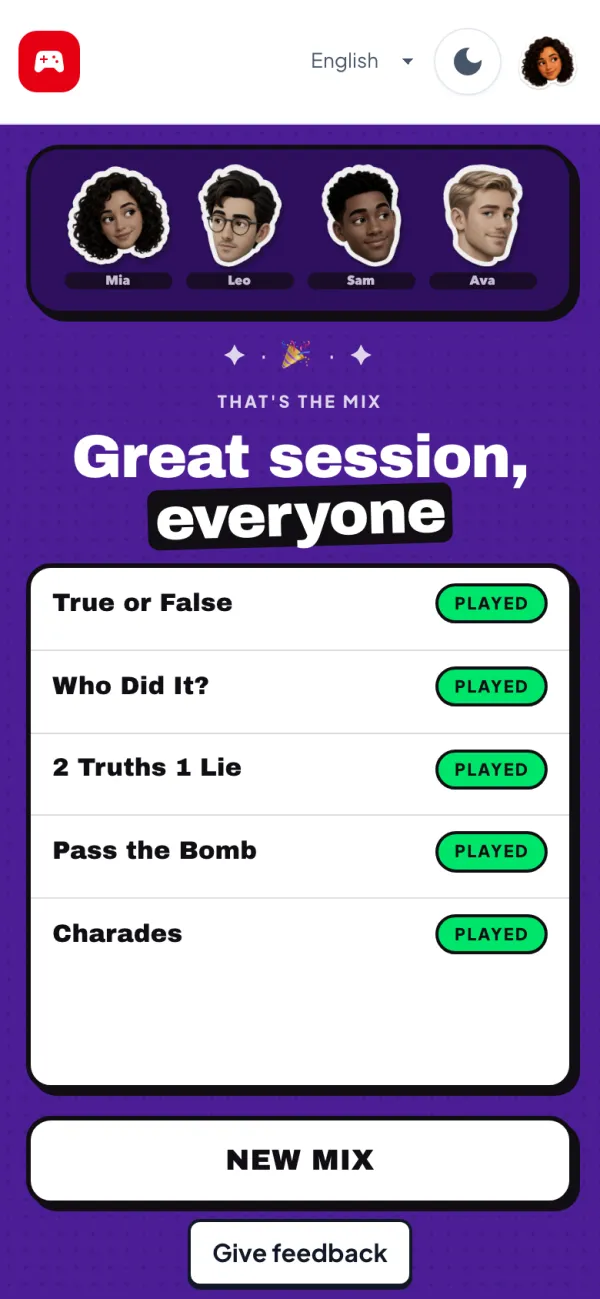
That's the mix
Playing Party Mix online
Party Mix has six presets. Quick plays 3 games, Classic plays 5 and Big Night plays 7, drawn from every game in the mix. Family, Friends and Bold each play 5 games chosen for that kind of group. The playlist always shows what is on now and what is up next, so nobody is caught off guard.
The mix draws on 17 games from the party collection, including Charades, Party Trivia, Pass the Bomb and Would You Rather?. The adults-only games are never included. Friends who arrive after the session has started join when the next game begins.
Sitting together, everyone plays on their own phone and talks across the room. Apart, keep a FaceTime or Zoom call running for the whole session, or turn on the video call inside each game's room.
Tips and house rules
- Playing with children? Choose the Family preset. It only picks games marked as good for families, such as True or False, 20 Questions and Charades.
- Start with Quick if the group is new to the games. You can always tap New Mix for another round.
- The host should be someone who will keep an eye on the clock and move the group on while everyone is still having fun.
- Skip freely. If a game on the list does not suit the mood, Skip this one moves straight to the next.
- Keep a running tally of game winners on paper if your group likes an overall champion for the night.
- Hand the host role to someone new for the next mix, so the same person is not always running things.
Party Mix FAQ
What is Party Mix?
It is a playlist of party games. The host picks a preset, the room chooses games that suit your group, and everyone moves from one game to the next together.
How many players can join a Party Mix?
A session takes 2 to 8 players. With only two, games that need three or more are left out of the playlist.
Which games are in Party Mix?
It picks from 17 party games, including Charades, Party Trivia, Pass the Bomb, 5 Second Challenge, What If? and Would You Rather?. Adults-only games are never included.
Is Party Mix good for families?
Yes. Choose the Family preset and every game on the playlist will be one marked as good for families.
Can we skip a game we don't like?
Yes. The host can tap Skip this one on the playlist, and the recap at the end shows it as skipped.
Can you play Party Mix on Zoom or FaceTime?
Yes. Keep your call running and share the room link once. Every player's screen follows the host into each game automatically.
Is it free to play Party Mix?
Yes. The whole session is free in any browser, with no app to download and no account to create.